Edit institution profile
To edit your institution profile, go to the Catalogue section. Click on the name of your catalogue and then edit on the right side of the screen.
 From here you can amend profile headings and content, upload images to your gallery, amend your video and add a testimonial.
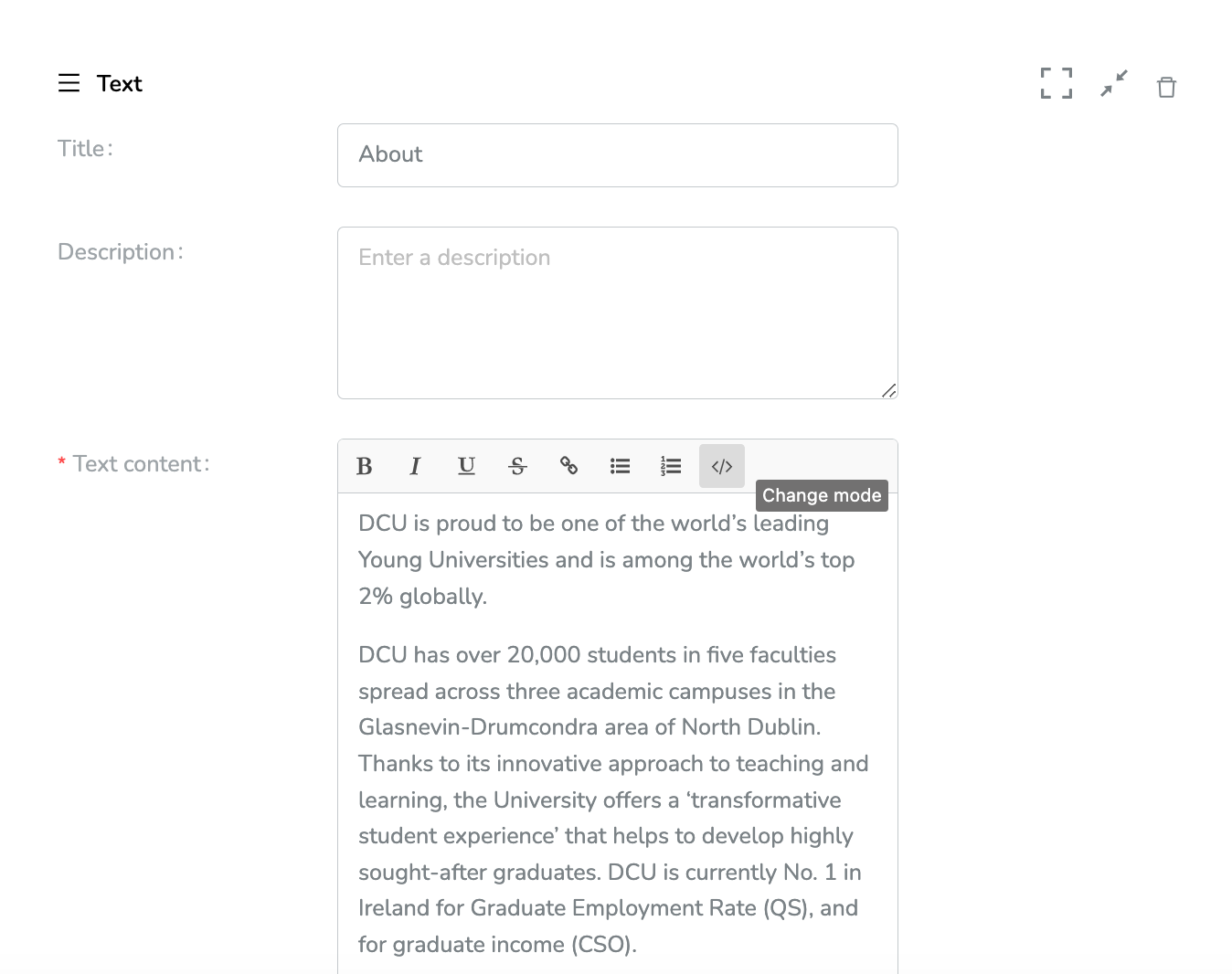
Modify text
You can choose to amend text blocks in html, or use the WYSIWIG editor to add text in paragraphs, bold, italics, underline and lists, and add links.
 Add images to carousel
 Add images to carousel
 Upload images to the carousel in your profile by clicking 'Choose an Image'. You can remove images by clicking the trash icon. You can also optionally add a caption for the image. 
When you're finished editing content scroll back to the top and press Save to confirm changes.
Edit metadata for SEO
Go to the Catalogue settings tab and press Edit, scroll down the page and you will be able to edit SEO Settings including SEO Title, Description and Keywords. Scroll back up and hit save to confirm. 